
Why screen time can feel uncomfortable
Phones, tablets, computers, and televisions are part of everyday life. While screens are not usually harmful when used responsibly, long periods of close-up viewing can make your eyes feel tired or dry. You may also notice blurred vision, headaches, sore eyes, or difficulty shifting focus between near and far objects.
These effects are often linked to several habits: staring without blinking, holding a screen too close, working in poor lighting, or sitting in one position for too long. Small adjustments can make screen use more comfortable and support healthier daily routines.
Follow the 20-20-20 rule
One of the simplest ways to reduce screen-related eye strain is to take regular distance breaks. Try the 20-20-20 rule:
– Every 20 minutes
– Look at something about 20 feet away
– For at least 20 seconds
Looking into the distance gives your eyes a chance to relax after focusing on nearby text or images. You can look out a window, across the room, or down a hallway. Set a quiet reminder on your computer or phone if you often lose track of time.
For longer work sessions, take a few minutes away from the screen every hour. Stand up, walk around, stretch, or complete a task that does not require close-up viewing.
Blink more often
People tend to blink less when reading, gaming, or concentrating on a screen. Blinking spreads moisture across the surface of the eyes and can help them feel more comfortable.
Make a habit of blinking fully and regularly. During breaks, close your eyes for a few seconds before looking into the distance. If your eyes feel dry, avoid sitting directly in the path of a fan, heater, or air conditioner, as moving air can increase discomfort.
A humidifier may also help in very dry indoor environments. Keep the device clean and follow the manufacturer’s instructions.
Set up your screen correctly
Your screen position can affect comfort, posture, and how hard your eyes work. For a computer setup, try these adjustments:
– Place the monitor about an arm’s length away.
– Position the top of the screen at or slightly below eye level.
– Keep the screen directly in front of you.
– Tilt the monitor slightly to reduce reflections.
– Use a comfortable text size so you do not need to lean forward.
– Keep frequently used items, such as documents, close to the screen.
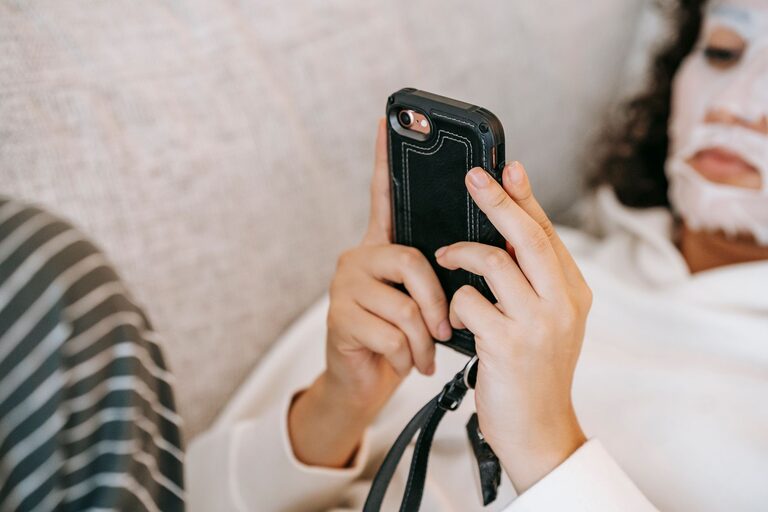
For phones and tablets, avoid holding the device extremely close to your face. Increase the text size instead of moving the screen closer. When possible, use a stand for tablets so you can keep your head and neck in a more natural position.
Improve lighting and reduce glare
Glare can make text harder to read and may cause you to squint. It can come from windows, overhead lights, glossy surfaces, or bright lamps.
To create a more comfortable workspace:
– Place your screen at a right angle to windows when possible.
– Use curtains or blinds to soften strong daylight.
– Avoid having a bright lamp directly behind or in front of the screen.
– Clean your screen regularly to remove dust and smudges.
– Adjust the screen brightness so it matches the surrounding room.
– Consider a matte screen filter if reflections remain distracting.
A completely dark room may also create a strong contrast between the bright screen and the surrounding space. Use soft, even lighting rather than working in total darkness.
Adjust display settings
Most devices offer settings that can improve viewing comfort. Explore the following options:
Text size
Increase the font size if you find yourself squinting or leaning closer. Larger text can make reading easier without requiring a higher screen brightness.
Contrast
Choose a clear contrast between text and its background. Simple color combinations are often easier to read than pale text on a bright background.
Brightness
A screen that is much brighter than the room can feel harsh. A screen that is too dim may also make you strain. Adjust the brightness until the display looks comfortable in your current surroundings.
Color temperature
Many devices include a night or warm color setting. These options can make the display look less blue or bright in the evening. They may be useful for comfort, although they do not replace regular breaks or good sleep habits.
Use screens at a comfortable distance
The closer an object is, the more effort your eyes generally need to focus on it. Try to keep phones, books, and other reading materials at a comfortable distance rather than holding them close.
When watching television, sit far enough away that you can read the picture comfortably without squinting. If you frequently move closer to see details, increase the size of captions or adjust the display settings.
Protect your overall routine
Eye comfort is connected to your general screen habits. Consider creating a daily routine that includes:
– Regular movement and posture changes
– Breaks from close-up tasks
– Time outdoors or away from digital devices
– Comfortable indoor lighting
– Adequate sleep
– Water and balanced meals
– Screen-free time before bed if screens make it harder to relax
You do not need to avoid screens completely. The goal is to balance digital activities with rest, movement, and time spent looking at objects at different distances.
Help children build good habits
Children may not notice or explain eye discomfort clearly, so adults can help by setting simple routines. Encourage children to take regular breaks, avoid holding devices too close, and use screens in well-lit rooms.
Keep entertainment devices in shared spaces when practical. This makes it easier to notice posture, distance, and overall screen duration. Outdoor play and other activities that do not involve screens can also provide useful variety during the day.
When to seek professional guidance
Occasional tiredness after a long screen session is common. However, ongoing discomfort should not be ignored. Consider speaking with an eye care professional if you experience persistent or worsening symptoms, frequent headaches, repeated blurred vision, eye pain, or difficulty seeing clearly.
An eye care professional can offer guidance based on your individual needs and check whether your glasses, contact lenses, or screen setup require adjustment.
Make comfort part of your screen routine
Protecting your eyes during screen time does not require complicated equipment. Take distance breaks, blink often, adjust your workspace, reduce glare, and keep your screen at a comfortable distance. These small habits can make digital work, study, and entertainment more comfortable while supporting a balanced daily routine.
About the Author